
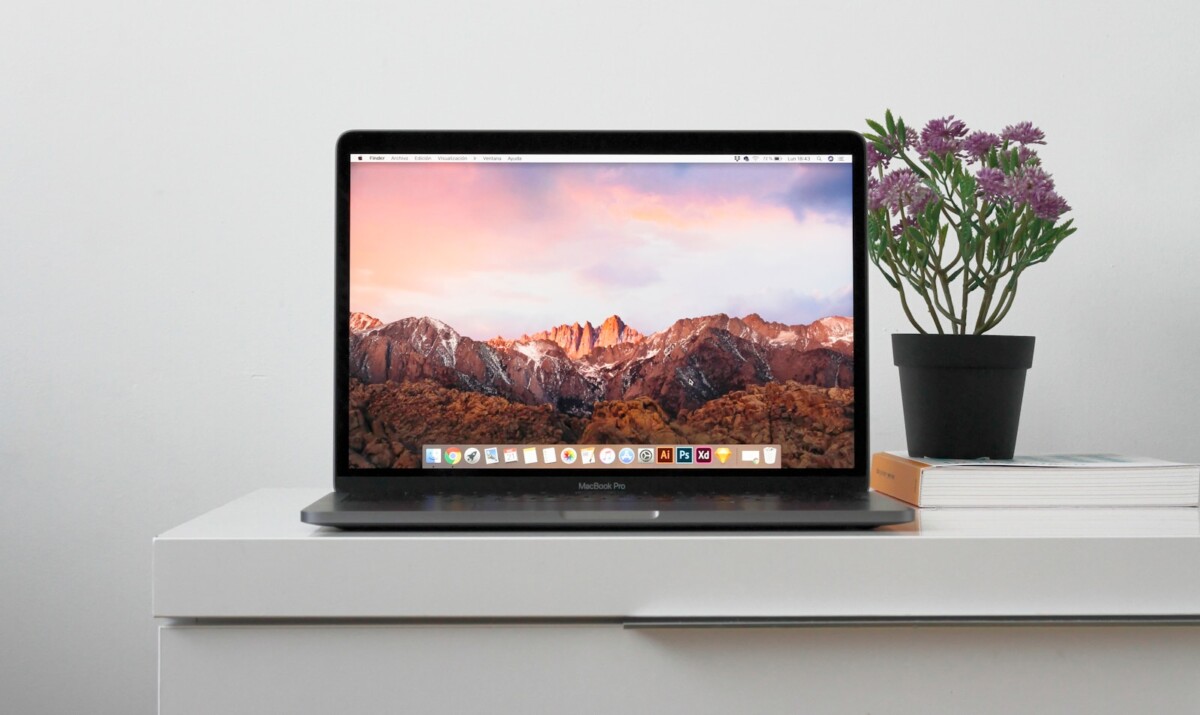
For the average everyday user, choosing the right MacBook Air can feel oddly complicated. The M1, M2 and M3 all look similar on the outside, and all of them run macOS smoothly. But once you start thinking about how you actually use your laptop—email, browsing, spreadsheets, Zoom calls, household admin, or light creative work—the differences between the three generations become more practical than technical. Productivity isn’t about benchmark scores; it’s about how reliably and comfortably a machine fits into your daily routine.
Most people don’t need workstation-level power for their everyday responsibilities. What they need is instant wake, long battery life, smooth multitasking and a device that doesn’t slow down when juggling several tabs, apps and tasks at once. And this is exactly where the MacBook Air shines. Even the earliest Apple Silicon models offered a level of responsiveness and efficiency that older Intel laptops couldn’t match. So the challenge isn’t deciding whether a MacBook Air is suitable—it’s deciding which one offers the best balance of performance, longevity and cost for simple day-to-day work.
For many buyers, this is also the point where the idea of a refurbished MacBook enters the picture. When you mainly care about reliability and comfort rather than maximum chip performance, a well-kept refurbished unit can offer the same everyday experience for significantly less money. And because macOS remains stable across multiple generations, older Air models continue to feel fresh and usable for years longer than most expect.
What “everyday productivity” actually requires from your MacBook
When you strip everyday computing down to its essentials, the demands are actually modest. A typical day for remote workers, students or home users might involve:
- Several browser windows with 5–10 tabs
• Email and messaging apps
• Word processing or spreadsheets
• Occasional photo organisation
• Streaming or video calls
• Cloud file syncing
• Light multitasking between apps
All three chip generations handle these tasks effortlessly. The M1 still wakes instantly, loads apps quickly, and manages normal workloads with minimal heat or noise. If the bulk of your usage is in this range, performance differences between the chips will be hard to notice in normal use. The M2 and M3 feel snappier when handling more demanding multitasking or larger files, but for everyday tasks the experience is similar.
Where differences begin to appear is in longevity and headroom. The M2 and M3 will stay fast under heavier multitasking and will remain compatible with newer versions of productivity apps for longer. For users who keep devices five to eight years, this matters more than raw day-one speed.
Choosing based on your environment and work style
One of the clearest distinctions between the chip generations is how adaptable they are to different working environments.
The M1 Air is still excellent for home use, travel, and basic office work. It runs quietly, has excellent battery life, and comfortably handles the core apps most people rely on. It’s a great choice for anyone who keeps things lightweight—writers, teachers, administrative workers, parents doing home budgeting, or students managing coursework.
The M2 Air offers a bit more muscle for people juggling multiple apps or keeping dozens of tabs open. It also has a slightly brighter display and improved efficiency under load, which helps if you switch between work, research and streaming throughout the day. It’s ideal for hybrid workers who split time between home and office, or anyone who likes a smoother feel when multitasking.
The M3 Air adds subtle but meaningful quality-of-life improvements. Faster performance, hardware-level support for newer media codecs, and the ability to run two external displays in clamshell mode give it a versatility the previous generations don’t have. If your setup includes a desk with multiple monitors or you see yourself keeping your MacBook for many years, the M3 edges ahead as a more future-ready option.
Battery life, multitasking and the real-world feel
For productivity, battery life often matters more than benchmarks. All three generations deliver excellent endurance, but the M1 remains especially strong in this area because it’s rarely pushed to its limits in everyday tasks. The M2 and M3 balance power and efficiency better when multitasking, so they drain slightly faster under heavy usage but feel smoother when switching between apps.
Thermals are another overlooked factor. The fanless design means the machine stays silent—great for focus, meetings, cafés or classrooms. However, heavier multitasking will warm the M1 slightly more quickly. The M2 and M3 manage heat more gracefully, keeping the system responsive even with multiple apps and browser windows running.
Who should choose which model?
Pick the M1 if:
• You want the best value for basic productivity
• You keep your app usage simple
• Battery life is your top priority
• You’re buying a secondary device or working mostly online
• You’re comfortable with a device that’s closer to the middle of its support life
Pick the M2 if:
• You multitask heavily but don’t do demanding creative work
• You prefer a more responsive feel when juggling apps
• You want a bit more future-proofing without paying for premium features
Pick the M3 if:
• You use multiple monitors
• You want a laptop that will stay fast longest
• You occasionally dip into creative work
• You prefer buying something you won’t outgrow for many years
A practical decision, not a technical one
For everyday productivity, all three MacBook Air generations deliver a smooth, reliable experience. The differences only matter when you add heavier workloads, more multitasking or a desire for many years of OS support. Instead of thinking in terms of “power,” it’s more useful to think in terms of comfort: which model fits your daily rhythm without overcomplicating things or stretching your budget?
A MacBook Air isn’t just about performance—it’s about how easily it fits into a normal day. Whether you choose M1, M2 or M3, the Air remains one of the most effortless productivity laptops available.